1
Plan
Mar 22 A stubbed Expo app got a release plan: connect every screen to the real server.
- 6 plan phases
- From wiring shared data hooks to submitting on Google Play.
- 5 app tabs
- Chat, Agents, Insights, Settings and More.
- 16+ screens
- Each one wired to the same data layer the web app uses.
- Every stubbed screen was connected to the backend through the shared React Query hooks the web app already used, instead of a second API layer.
- QR pairing, remote session continuation, and push notifications were already in place to build on.
- Firebase config and the Play Store service account were scoped as their own foundation step.
2
v1.0
Mar 25 Version 1.0 brought the phone's chat up to parity with the web app.
- 3 days plan to v1.0
- The plan was written Mar 22; v1.0 shipped Mar 25.
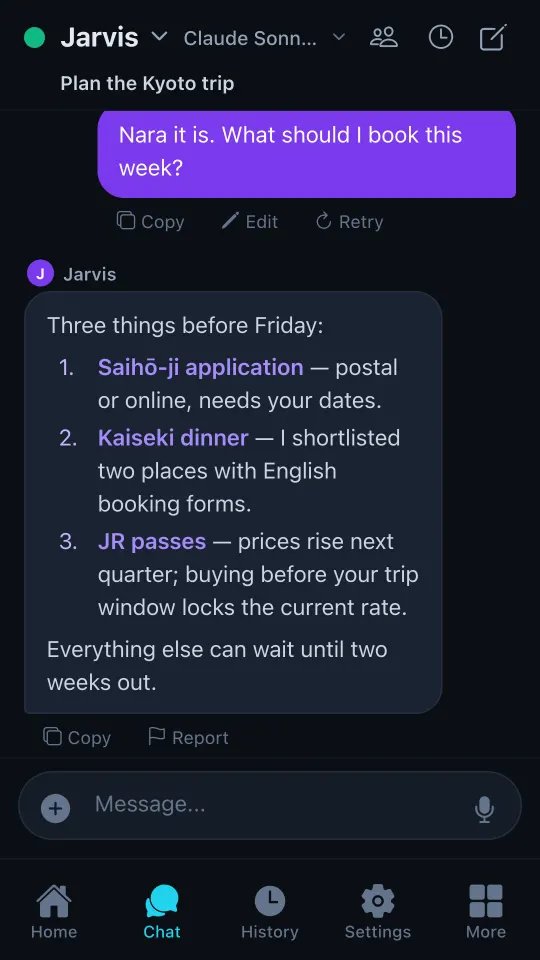
- 3 message actions
- Copy on every message; Edit and Retry on your own.
- Fixed chat text clipping on Android 15 and 16, where the new renderer measured message bubbles too narrow.
- Replaced a hidden long-press menu with always-visible Copy, Edit, and Retry buttons.
- Added inline editing with Cancel and Save & Send.
3
Hardening
Mar 22 – Apr 6 Two security audits covered the path from phone to server, end to end.
- 16 audit findings fixed
- Every finding from the remote-session security review.
- 35 issues in one audit
- 2 critical, 7 high, 13 medium and 13 low, all critical and high closed.
- 55 new automated tests
- Added with the 35-issue audit so the fixes stay fixed.
- A device can no longer approve its own request to join: the server checks who asked before it accepts an approval.
- Device tokens lost the power to change security settings; that now takes an owner session or key.
- Session transfer tokens expire after 2 minutes instead of 5, and error messages sent to the phone no longer reveal internal reasons.
4
Demo mode
Sep 1 – 2 The app learned to work with no server at all, so a first look is never a dead pairing screen.
- 0 servers needed to try it
- Demo mode runs the full app on built-in sample data.
- API 36 Android target
- Moving to Expo SDK 54 cleared the last Google Play blocker.
- Demo mode switches only the two network entry points, so no screen had to know about it.
- Guided connect walks a new user from install to pairing.
- Edge-to-edge fixes, checked on a Samsung phone running Android 16: the keyboard no longer covers what you type, and the tab bar clears the system navigation bar.
5
Over the air
Sep 13 Fixes now reach phones without waiting for a new store build.
- 10 min between update checks
- The app checks on launch and whenever it returns to the foreground.
- 5 → 1 live connections
- One shared connection replaced up to 5 duplicates per foreground.
- Updates were installed but never requested, so a new bundle applied only after two cold launches, and Android keeps apps alive for days.
- The server's own logs showed the phone was still on a four-day-old bundle, missing two fixes for the exact symptoms.
- The same release added production diagnostics and fixed a scroll gesture bug.
6
Play review
Sep 24 – 30 Release polish, an optional Supporter badge, and a build sent for Google's production review.
- $4.99 one-time Supporter badge
- Optional. It adds three themes; every core feature stays free.
- 178 countries
- Build 15 was submitted for production review in 178 countries.
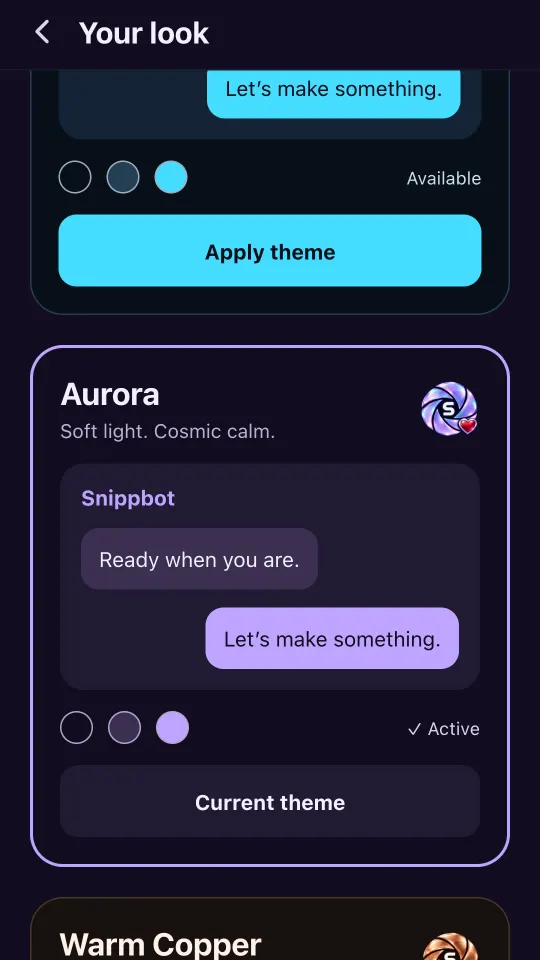
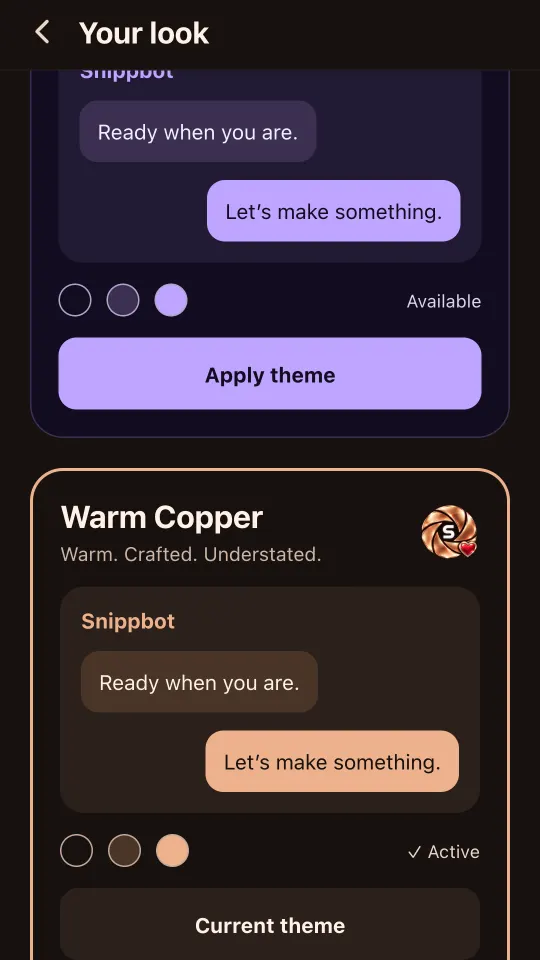
- 3 Supporter themes
- Midnight Circuit, Aurora and Warm Copper.
- A "New to Snippbot?" card on first launch explains that the app talks to a computer you control, your own machine or a VPS, then walks through install, start, and pair.
- First-launch test mode lets anyone, including store reviewers, explore the app before pairing.
- Build 14 reached internal testers on Sep 30; build 15 went to production review the same day.
7
Production
Oct Google approved the release, and fixes since then have shipped over the air.
- v15 live on Google Play
- Build 15 passed Google review and is in production.
- 454 crash loops in 33 s
- Found on the emulator after pairing from test mode, fixed over the air Oct 2.
- 553 automated tests passing
- The full mobile suite on main at that fix.
- Pairing from test mode could leave a stuck error screen. The fix resets navigation and keeps the user signed in.
- A Home screen Retry button that looked dead now shows a spinner and clears the old error.
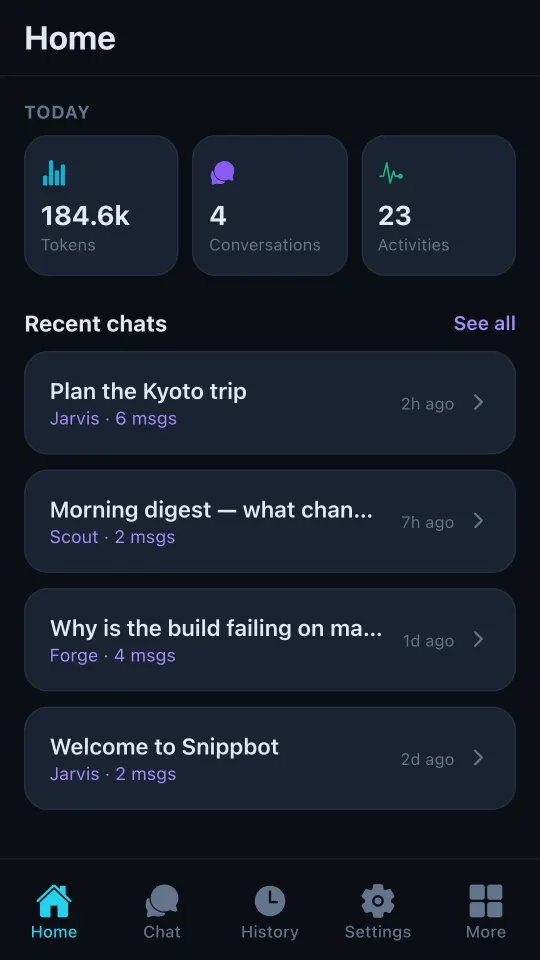
- The main branch now matches what Play users run, so no new store build was needed.