Your Agent, Always Within Reach
Snippbot's native mobile app brings your AI agent to Android, with iOS planned. Real-time streaming conversations, voice input, biometric app lock, and opt-in push notifications — built with React Native and Expo so your agent travels with you. It pairs directly with your own daemon: no Snippbot account, and nothing routed through Snippbot servers.
Available now on Google Play for Android (version 1.0.1; the rollout is US-only for now). iOS is planned but not available yet.
Native experience
Security gate
Speech-to-text providers
Snippbot accounts needed
Not a web view — a native experience
Most AI mobile apps are thin wrappers around web interfaces. Snippbot's mobile app is a purpose-built React Native application on Expo SDK 54 with New Architecture enabled. It uses a 5-tab native navigation layout, platform-specific UI components, the Aurora design system, and direct hardware integration for camera, microphone, and biometrics. The result is an experience that feels like it belongs on your device, not one transplanted from a browser.
Built for the Palm of Your Hand
Five dedicated screens, each designed for a specific workflow — from real-time chat to system monitoring.
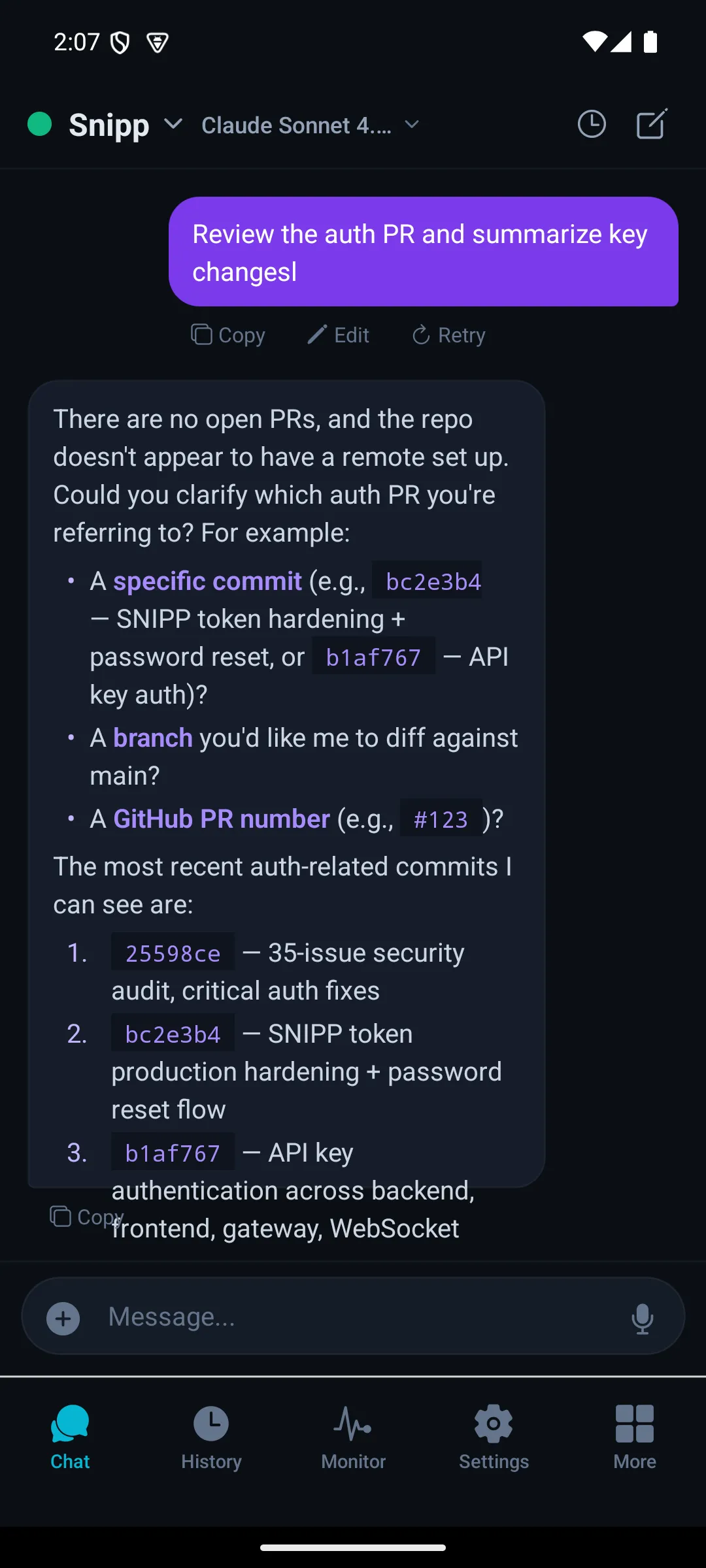
Chat
Real-time streaming with tool activity
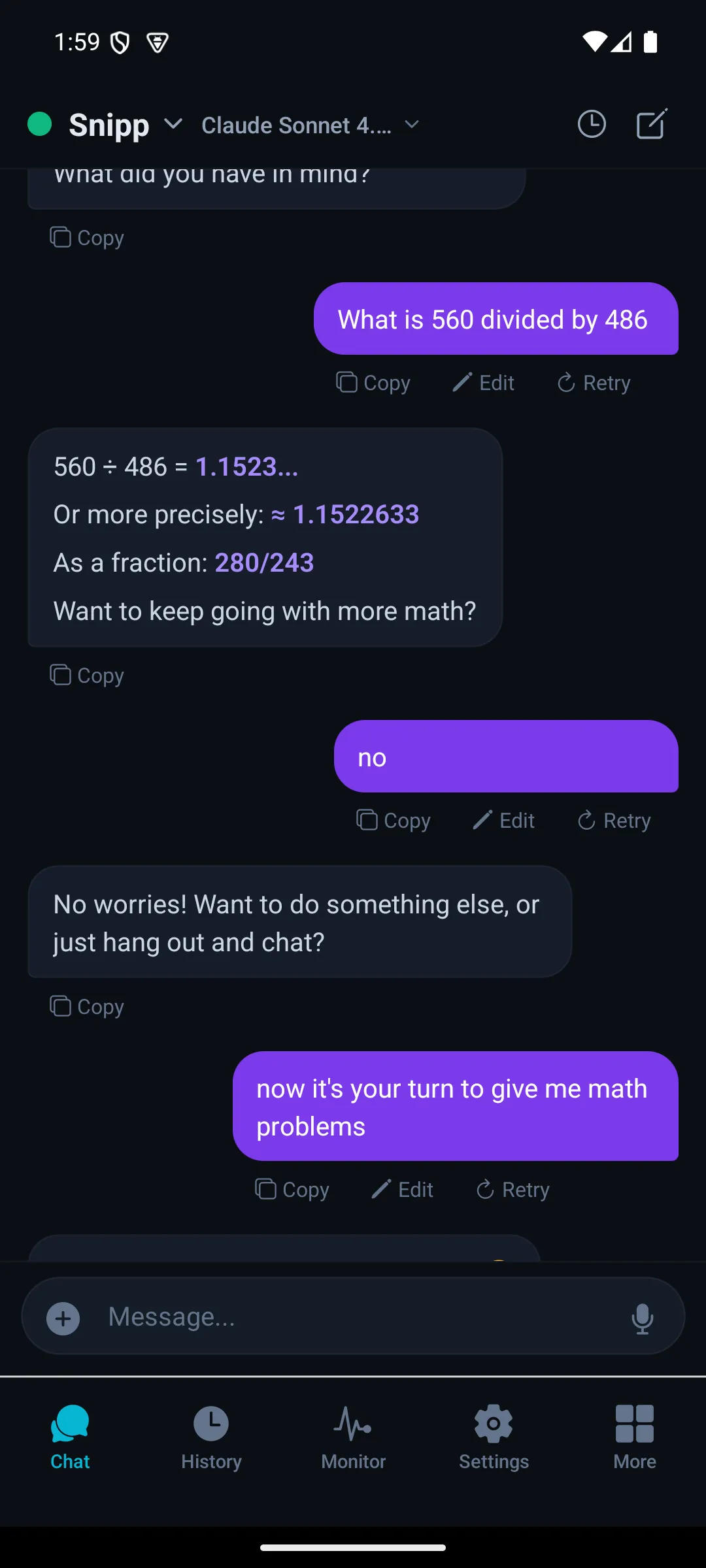
History
Full conversation archive with search
Monitor
Token usage and system health
Settings
Agent configuration and preferences
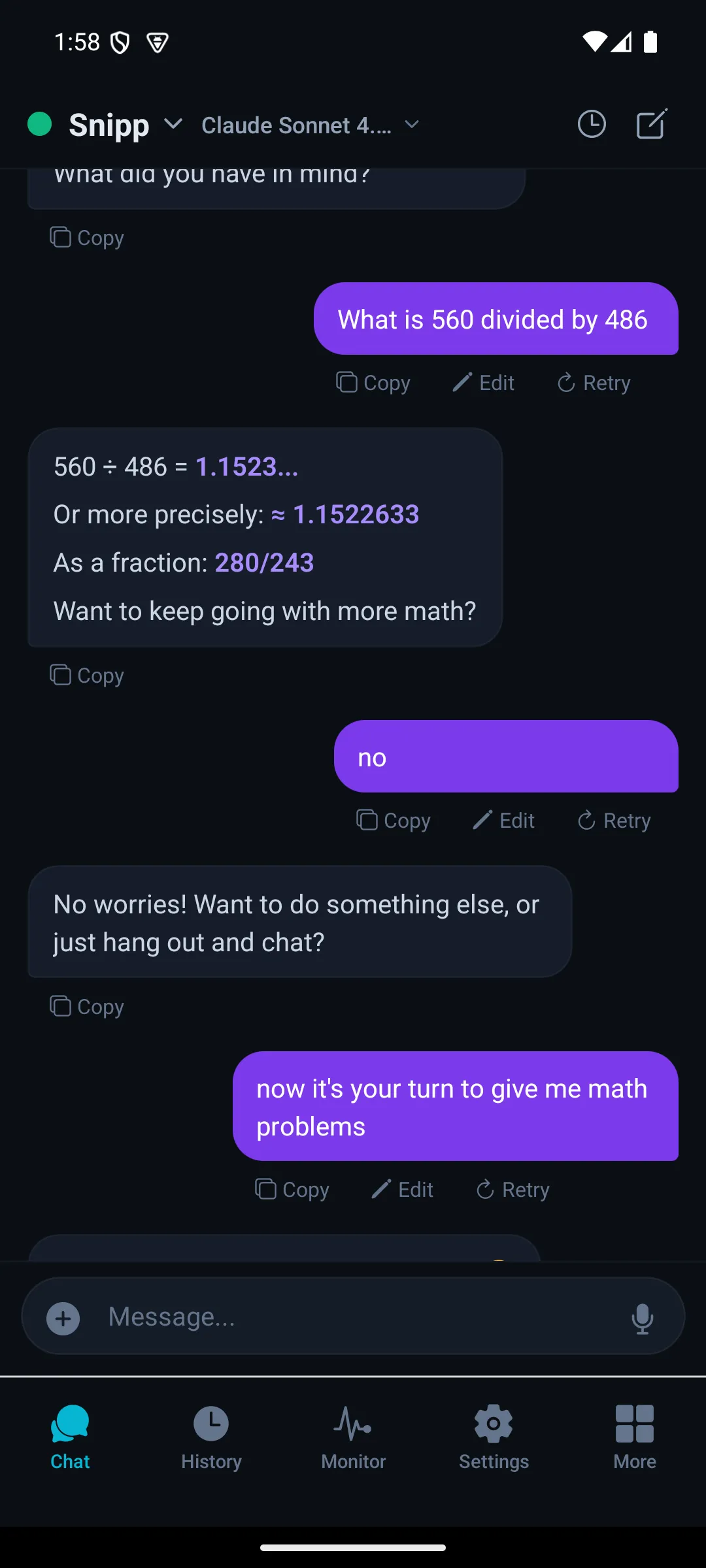
Overview
Multi-agent dashboard
Real-Time Streaming Intelligence
Server-Sent Events deliver token-by-token responses with live tool activity visualization — the same fidelity as the desktop client.
Token-by-Token Streaming
Real SSE streaming — not polling — delivers responses as they generate. Tool calls are visualized in real-time: see which tools the agent invokes, their inputs, and their results as they happen. Queue or interject while a reply runs, stop it, answer the agent's questions inline, and attach files and photos — with native Markdown rendering throughout.
Switch Agents Instantly
Pick any agent on your daemon from the chat header — each keeps its own personality and tool configuration. Override the model per conversation, or add extra agents to a conversation for multi-agent turns. The agent picker shows each agent's live status.
Speak Naturally
Tap-to-record voice input, transcribed by your own daemon with the speech-to-text provider you choose.
Tap-to-Record Interaction
Tap the mic to record, tap again to stop — your daemon transcribes the audio and the message sends. A timer shows while you record, and haptic feedback confirms recording has started. No wake words, no always-on microphone — your voice input is entirely under your control.
Speech-to-Text
- Local Whisper — Privacy-first transcription on your daemon's machine. No audio leaves your hardware.
- OpenAI Whisper — Cloud transcription through OpenAI's API, using your own key.
- ElevenLabs — Cloud transcription through ElevenLabs' API, using your own key.
Voice Settings
- Provider status — Settings → Voice shows which speech-to-text and text-to-speech providers your daemon has configured.
- Your keys, your daemon — Providers and API keys are set up on desktop; the phone never holds them.
- Spoken replies — Text-to-speech playback of agent replies isn't available on mobile yet.
6-Layer Mobile Security Gate
From biometric unlock to rate limiting — every layer defends independently.
Biometric App Lock
Turn on the biometric lock in Settings → Security and your fingerprint or face unlock gates every app launch — and every return to the app from the background. Biometric data never leaves the device's secure hardware — Snippbot verifies identity through the OS biometric API without ever touching your biometric template.
Device Fingerprinting
Each device generates a unique SHA-256 fingerprint from hardware characteristics — OS, model, manufacturer, and screen dimensions. Sessions are cryptographically bound to specific devices, so a stolen token cannot be used from a different phone. The fingerprint is verified on every session join.
Trusted Devices & TOTP
Session joins can require the device to be on your daemon's trusted device list and a 6-digit TOTP code from your authenticator app. Codes are single-use, and too many failures lock the device out — 5 attempts and a 15-minute lockout by default, both configurable from the phone.
HTTPS Beyond Your LAN
Any address outside your local network must use HTTPS — plain HTTP is allowed only on your LAN — and the platform's TLS layer verifies the server certificate chain against trusted authorities. Certificate pinning (rejecting a mismatched certificate outright) is on the roadmap.
Token Lifecycle Management
Device tokens auto-renew for convenience but are capped at 5 renewal cycles. After the cap, an explicit refresh token exchange is required — limiting the blast radius of a compromised token. Session ownership validation ensures tokens match the originating device, and renewal counters reset only on explicit re-authentication.
Per-Endpoint Rate Limiting
Tiered rate limits protect every API endpoint. Authentication endpoints allow 10 requests/minute, security-critical endpoints (session join, TOTP) allow 5/minute, and general endpoints allow 60/minute. Error messages are sanitized to prevent information leakage — internal details stay in server logs, never in API responses.
Paired to Your Daemon, Home or Away
Pair once with a 6-digit code or QR code, and the app reaches your daemon over the LAN or your Remote Access tunnel — no Snippbot account in between.
Code or QR Pairing
Enter a 6-digit code from the web UI, or scan the pairing QR from Settings → Remote Access to carry the address and a one-time token in one step. The daemon issues the phone its own device token — there's no username, password, or Snippbot account.
LAN or Remote Access
The app stores your daemon's local and remote addresses. It tries the LAN first and falls back to your Remote Access tunnel (cloudflared or ngrok) when you leave the house — nothing is routed through Snippbot servers.
Secure Storage & Demo Mode
Device tokens and connection settings live in the device's hardware-backed keystore; your chat history stays on your daemon. No server yet? Explore the demo on built-in sample data — nothing leaves the device.
Continue Any Session, From Any Device
QR transfer, TOTP verification, and owner approval work together to move an active desktop session to your phone — without re-authenticating from scratch.
Joining a session is built into the app, but creating the hand-off from the web UI ("Continue on another device") is still behind a feature flag, so session hand-off isn't generally available yet. The phone can join a session; it can't start one.
QR Transfer
Scan a QR code displayed on the desktop client to bind the mobile device to the active session. The QR encodes a one-time transfer token that expires after 2 minutes, and the join still has to pass the daemon's security gate — trusted device, fingerprint, TOTP, and owner approval as configured.
TOTP Verification
Enter a time-based one-time password from your authenticator app. TOTP codes follow standard RFC 6238 with replay protection — each code can only be used once, even within its 30-second validity window.
Owner Approval
Request session access and wait for the owner to approve. The owner's phone gets a push showing the requesting device and platform, and they approve or deny from an in-app banner. Unanswered requests expire after 120 seconds.
Your Channels at a Glance
Check the status of your Discord, Telegram, Slack, WhatsApp, and Teams connections — all from your phone.
Connection status
Connection status
Connection status
Connection status
Connection status
See which channels are connected and healthy — including Google Chat, email, and SMS when you use them. Connecting, editing, and testing channels happens in the desktop app.
Opt-In Push Notifications
Turn on push in Settings → Notifications and your daemon can reach you when you're away from the app.
Session Join Requests
A push when another device asks to join one of your sessions. Approve or deny from the in-app banner; unanswered requests expire after 120 seconds.
Agent Replies
When an agent replies and no client is connected, your phone gets a heads-up — throttled so a busy conversation doesn't flood you.
Scheduled Results
Scheduled jobs and loops can deliver their results straight to your phone.
Not built yet: Approve / Deny buttons on the notification itself, biometric confirmation of approvals, and push for elevated tool-call approvals — those appear in the app as an approval card and auto-reject after 5 minutes.
Your agent goes where you go
Snippbot for Android is available now on Google Play. Real-time streaming, voice input, biometric app lock, and push notifications — all from your pocket, paired directly with your own daemon.
iOS coming later. The Android rollout is US-only for now.